Supermarket ordering apps
Full catalogues with categories, search, offers and saved lists for repeat weekly baskets.

Home
About Us
Services
Ready-to-Launch Apps
Brand it. Launch it. Own it.
Video Dating App
Like Dostt — swipe, video & chat
Service Booking App
Like Urban Company — on-demand services
Cab Booking App
Like Ola, Uber & Rapido — ride-hailing
Vehicle Booking App
Like Porter — goods & logistics
Rice Mundy Order Management
Orders, stock & GST billing for mills
Auditing Management System
Digital checklists, NC tracking & reports
Delivery Management App
Live tracking, routes & digital POD
Industries
InstaLaunch Apps
Portfolio
Contact

services
Made to Scale Our Software development services are built to evolve your business idea into a successful growth story.
Supermarkets, kirana stores and fresh produce
We build grocery ordering and delivery apps that let Coimbatore stores take orders under their own name, pack them accurately and deliver them in neat time slots.
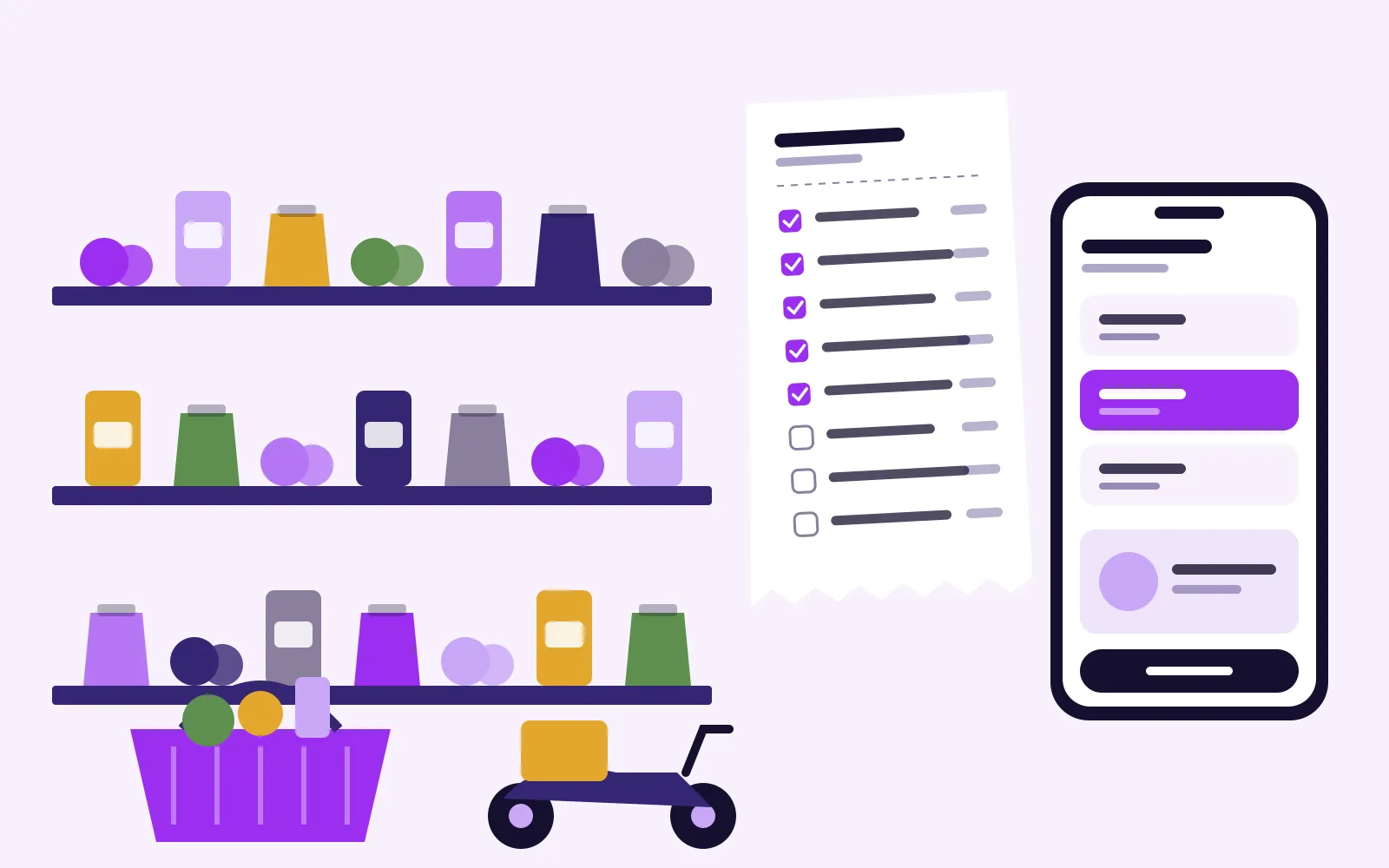
Your store app
Who it is for
Neighbourhood supermarkets in areas such as RS Puram, Saibaba Colony, Peelamedu and Saravanampatti already take many orders by phone and WhatsApp. A grocery app turns those messages into clean, trackable orders that your team can pick, pack and deliver without retyping anything.
We work with independent supermarkets, family-run kirana stores, organic and fresh produce sellers, dairy and milk subscription businesses, and wholesalers who supply hotels and canteens. Each has a different rhythm: a supermarket handles large evening baskets, a milk round runs before sunrise, and a wholesaler needs credit limits and bulk units.
Itboomi is a dedicated mobile app development company with its office in Tiruppur, near the Coimbatore border. We build only mobile apps, so grocery projects get a team that designs for the phone first. For our full range of services, visit our homepage as a mobile app development company in Coimbatore.
What we build
Pick the model that matches how your customers already buy from you.
Full catalogues with categories, search, offers and saved lists for repeat weekly baskets.
A simple storefront for one shop, with stock you update from the counter in a few taps.
Daily fresh lists, items sold by weight and morning or evening delivery slots for produce sellers.
Scheduled deliveries of milk, curd, bread and water cans, with pause and holiday options.
Bulk units, credit accounts and invoices for hotels, hostels, canteens and smaller retailers.
Orders routed to the nearest branch, with each store managing its own stock and riders.
Features
Grocery is different from other online shopping. Orders are large, items are perishable and customers buy the same things every week. These are the features we plan for from the start.
Loose rice, dal, vegetables and fruit are sold by the kilogram, while packed goods come in fixed sizes. The catalogue handles both, and the final bill adjusts to the weight actually packed.
Customers search for thakkali as often as tomato. Tamil and English names, with search that understands both, make the catalogue easier for every age group.
Customers choose a slot that suits them, or collect from the counter. Slot limits stop your team from taking more orders than riders can deliver.
When an item runs out, the picker suggests a replacement in the app and the customer approves it, so nobody has to call back and forth.
Saved baskets, one-tap reorders and gentle reminders for monthly staples help regular customers order again with very little effort.
UPI, cards and wallets through a gateway such as Razorpay, plus cash on delivery that riders record in the app so the day's collections match the orders.
Own app or marketplace
Many Coimbatore stores already appear on national delivery and quick-commerce apps. That listing brings new customers, but it is not the same as having your own app, and the two do different jobs.
On a marketplace the platform owns the customer relationship. Your store sits next to competitors, the platform decides how you are ranked and you rarely see who your repeat buyers are. It suits impulse orders from people who do not know your shop yet.
Your own app suits the families who already buy from you every week. Their saved baskets, delivery addresses and order history stay with your store, offers go straight to them without a commission on every order, and the app carries your name on their home screen. Many stores keep both: the marketplace for discovery and their own app for regulars, with in-store and WhatsApp reminders steering repeat customers to the store app.
If you sell beyond groceries, such as home goods or packaged brands shipped across Tamil Nadu, our e-commerce app development page covers catalogue and shipping apps. Restaurants and cloud kitchens should see our food delivery app development page.
Switching over
Most stores we speak to take a large share of orders through WhatsApp messages and phone calls. The goal is not to switch those off overnight, but to make the app the easier option for customers and staff.
Order confirmations, delivery updates and a link to reorder can still reach customers on WhatsApp through the official business messaging route, so the channel they trust leads them into the app.
With their permission, regular customers are invited with their address and favourite items ready, so the first order in the app takes less effort than typing a message.
Older customers who still call can be served by staff entering the order in the same system, so every order is picked, packed and billed the same way.
Once phone, WhatsApp and app orders all land in one list, the paper book and copied messages can go. Owners see the whole day in the admin panel instead of three places.
Behind the store
A grocery app is really a set of apps. The customer app is the visible part, and the staff apps keep orders moving inside the store.
The picker app lists each order by aisle, lets staff scan or tick items and records the weight of loose goods. The rider app groups nearby deliveries, opens directions and collects proof of delivery. The admin panel shows live orders, stock, slots, offers and reports for the owner or store manager.
Where your billing software offers an API, we connect stock and prices so the app and the counter stay in step. Your listings can also show the FSSAI licence number and the declarations required for packed goods, such as MRP and net quantity, which online food sellers in India are expected to display.
If your main need is a delivery fleet rather than a storefront, our delivery management app covers routes, live tracking and digital proof of delivery in more depth. Rice mills and grain traders can see our rice mill and mandi order management app.
Related work
These projects show the ordering, staff and tracking pieces that a grocery app is built from.
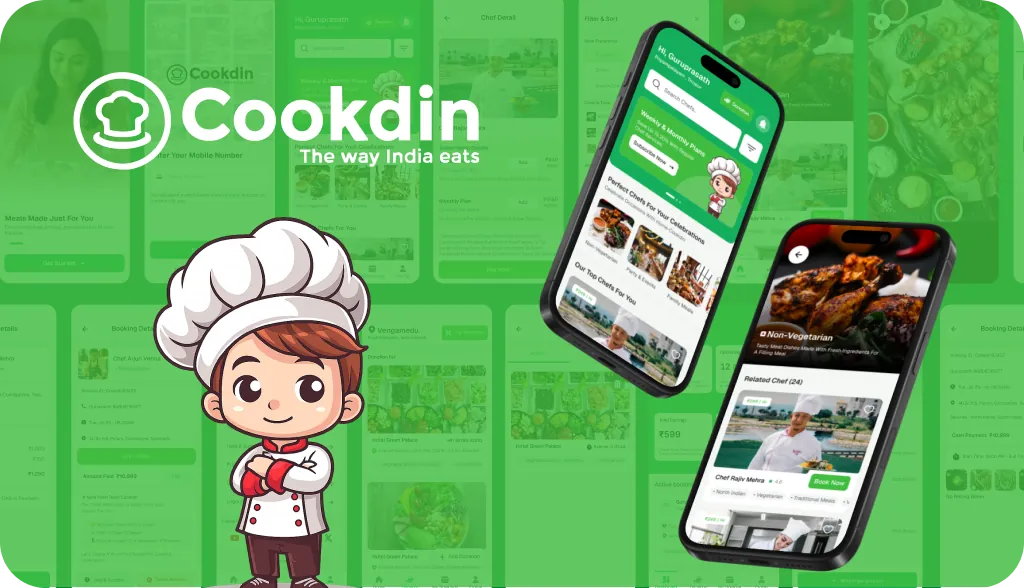
A recent React Native app for chef booking and food services, with listings, time slots and order status. Grocery apps reuse the same slot booking and order tracking screens.
See it in our portfolio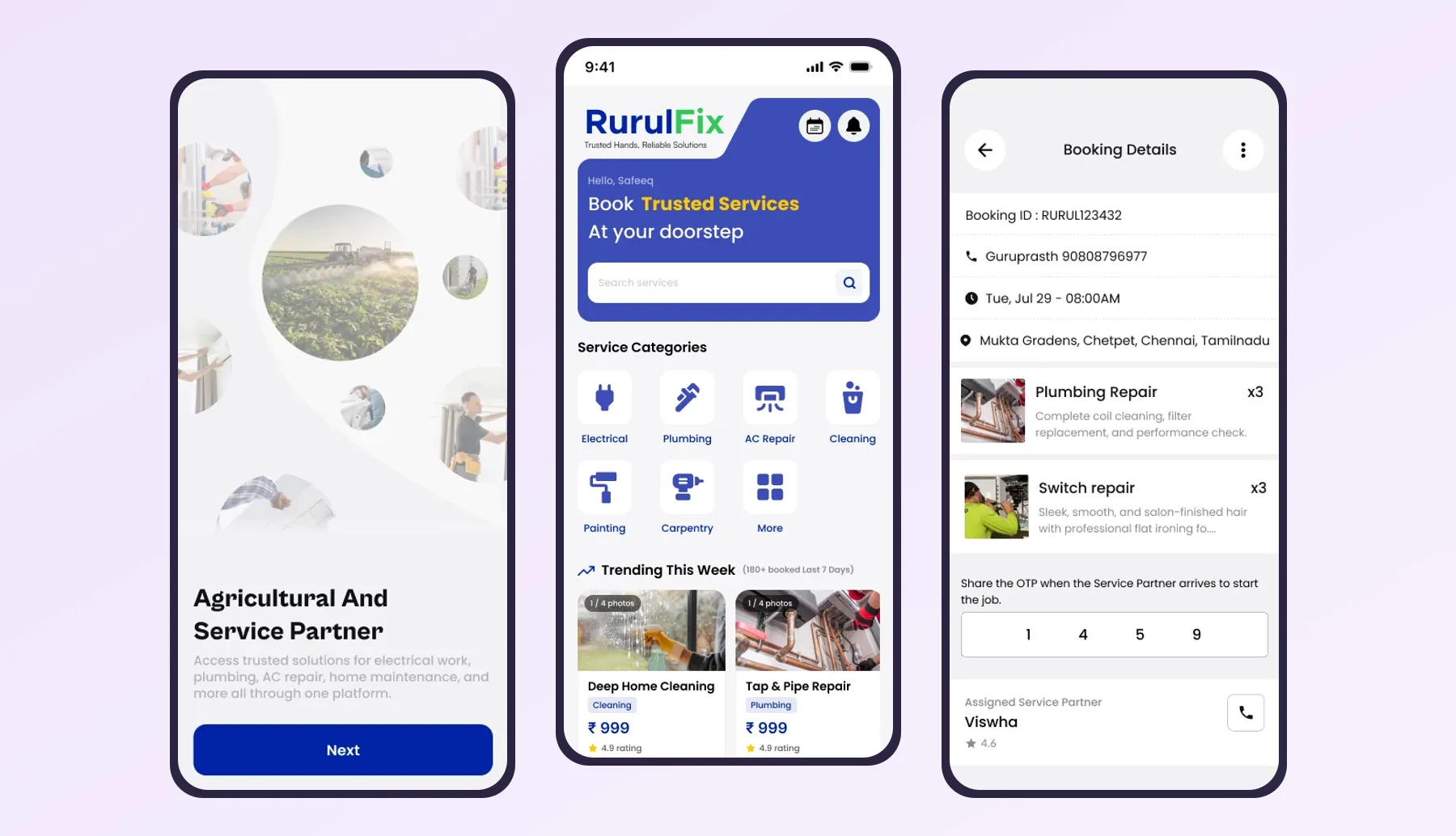
A recent service booking app with category browsing, a booking basket, address and time selection and a booking timeline through to completion. Grocery apps use the same ideas: clear categories, a basket, delivery slots and order status.
Read the RurulFix case studyOur portfolio lists more ordering, booking and staff apps across retail, food, healthcare and services, including an order management system for a rice mill.
How we work
We start with how your store works today and build the first release around it.
We study how orders arrive, how staff pick and pack, and how deliveries leave, then list the features for the first release.
Categories, units, Tamil and English names and product photos are organised before launch, often from your existing billing data.
Customers and staff try clickable designs and test builds on their own phones, and their feedback shapes each sprint.
We open the app to a group of regular customers first, tune slots and stock, then announce it in store and on WhatsApp.
We publish on Google Play and the App Store, then add features such as subscriptions, loyalty points or new branches as orders grow.
Technology
Grocery customers use every kind of phone, so we build one app for both platforms.
Our grocery apps use React Native app development, which gives Android and iOS customers the same features from one codebase, with native modules for barcode scanning, maps and printers. Store-specific details for each platform are covered on our Android app development and iOS app development pages.
Book a call and we will walk you through the right setup for your store.
FAQ
Yes. Itboomi is a dedicated mobile app development company based in Tiruppur, near the Coimbatore border, and we build grocery ordering and delivery apps for supermarkets, kirana stores and fresh produce sellers in Coimbatore.
Usually four: a customer app for ordering, a picker app for packing, a rider app for deliveries and an admin panel for stock, slots, offers and reports. Smaller stores can start with fewer.
Yes. Items can be sold by the kilogram or by pack, and the final bill adjusts to the weight packed, with the customer notified of any change.
Yes. Subscription orders run on a schedule, and customers can pause, skip a day or change quantities from the app.
Yes. The app is published under your brand on Google Play and the App Store, and the customer data, store listings and source code belong to you.
Yes. Many stores keep WhatsApp for confirmations, updates and reorder links, and staff can enter phone or WhatsApp orders into the same system so nothing is handled twice.
Often, yes. A marketplace helps new customers find you, while your own app keeps regular customers, their order history and your offers with your store. Many stores run both.
If your billing or inventory software offers an API or export, we connect stock and prices so the app and the counter stay in step. We check this during discovery before the scope is fixed.
Contact us
We Ignite your Business
with our Love
Itboomi is a Coimbatore mobile app development company with its office in Tiruppur.





Think. Design. Develop.Launch. Scale.
Subscribe our News letter


itboomi innovations, 8/1162, Sakthi Complex,First Floor, Pooluvapatti Pirivu, P.N Road, Tiruppur,Tamil Nadu 641602