Sales executive in the field
Sees today's calls and visits, logs outcomes between meetings, takes photos at the site and never has to ask the office for a customer's number again.

Home
About Us
Services
Ready-to-Launch Apps
Brand it. Launch it. Own it.
Video Dating App
Like Dostt — swipe, video & chat
Service Booking App
Like Urban Company — on-demand services
Cab Booking App
Like Ola, Uber & Rapido — ride-hailing
Vehicle Booking App
Like Porter — goods & logistics
Rice Mundy Order Management
Orders, stock & GST billing for mills
Auditing Management System
Digital checklists, NC tracking & reports
Delivery Management App
Live tracking, routes & digital POD
Industries
InstaLaunch Apps
Portfolio
Contact

services
Made to Scale Our Software development services are built to evolve your business idea into a successful growth story.
Mobile CRM for Coimbatore sales teams
Every enquiry from WhatsApp, calls and your website lands in one pipeline on your team's phones, with the next follow-up already due. Built around how you sell, from our Tiruppur office.
The lead journey
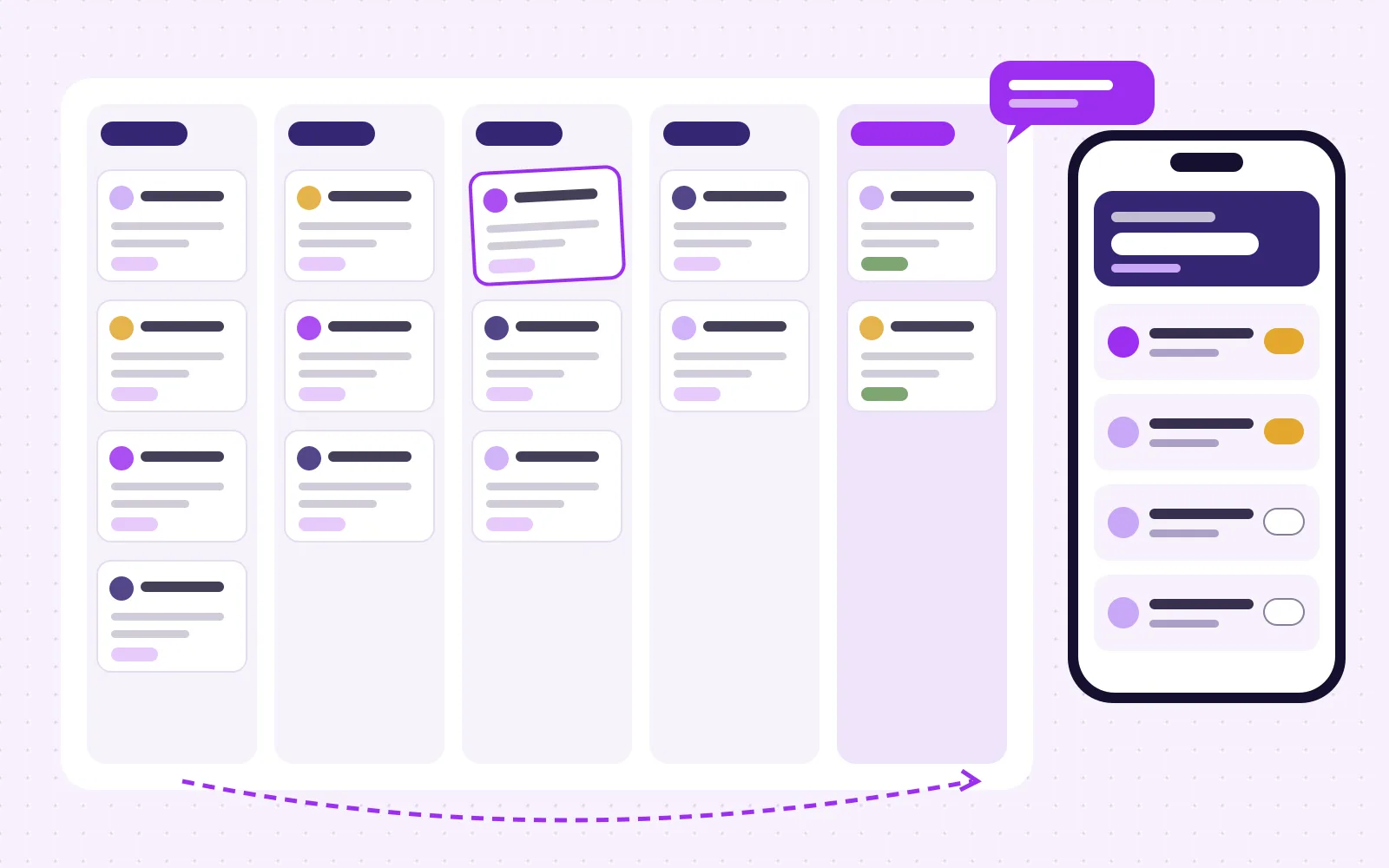
Most Coimbatore sales teams already run a pipeline, just on paper, in a spreadsheet and across a dozen WhatsApp chats. A CRM app makes the same columns visible to everyone who needs them.
Enquiries from WhatsApp, missed calls, website forms, walk-ins and dealer referrals become a lead card with source, product interest and area, in a few taps.
The lead is assigned to a person, the call outcome is logged in one tap, and a follow-up date is set before the screen closes.
Field staff see the day's visits on a map, check in on arrival, attach photos and measurements, and leave a note the office can read straight away.
A quote is drafted from your product list, shared as a PDF or link on WhatsApp, and every revision stays on the same lead history.
Won leads hand over to accounts or delivery. Lost leads need a reason, so the owner learns why deals slip instead of guessing.
Who opens it every day
Sees today's calls and visits, logs outcomes between meetings, takes photos at the site and never has to ask the office for a customer's number again.
Picks up every new enquiry, qualifies it on a short script, books the visit and passes the lead to the right executive with the conversation attached.
Opens a short evening summary: new leads by source, follow-ups overdue, visits done and quotes waiting, without calling the team one by one.
Modules
Most first releases ship four or five of these. The rest follow once the team trusts the daily habit.
One record per customer even when the same person messages, calls and fills a form. Source and campaign are tagged automatically where the channel allows it.
Due and overdue follow-ups as push notifications and a morning list, so nothing depends on memory.
Click-to-chat and click-to-call from the lead, with outcomes logged. WhatsApp Business Platform messages where you have API access.
Planned visits, check-in with location, photos and notes for executives on the road.
Quote PDFs built from your items, variants and terms, with revision history and approval for discounts above a limit.
Pipeline by stage, source and executive, plus a short daily digest the owner actually opens.
Where leads come from
Related portfolio work
We have not published a dedicated CRM case study yet. These recent products already handle the pieces a CRM needs: enquiry intake, work assigned to one person with its own history, and reports the owner reads.
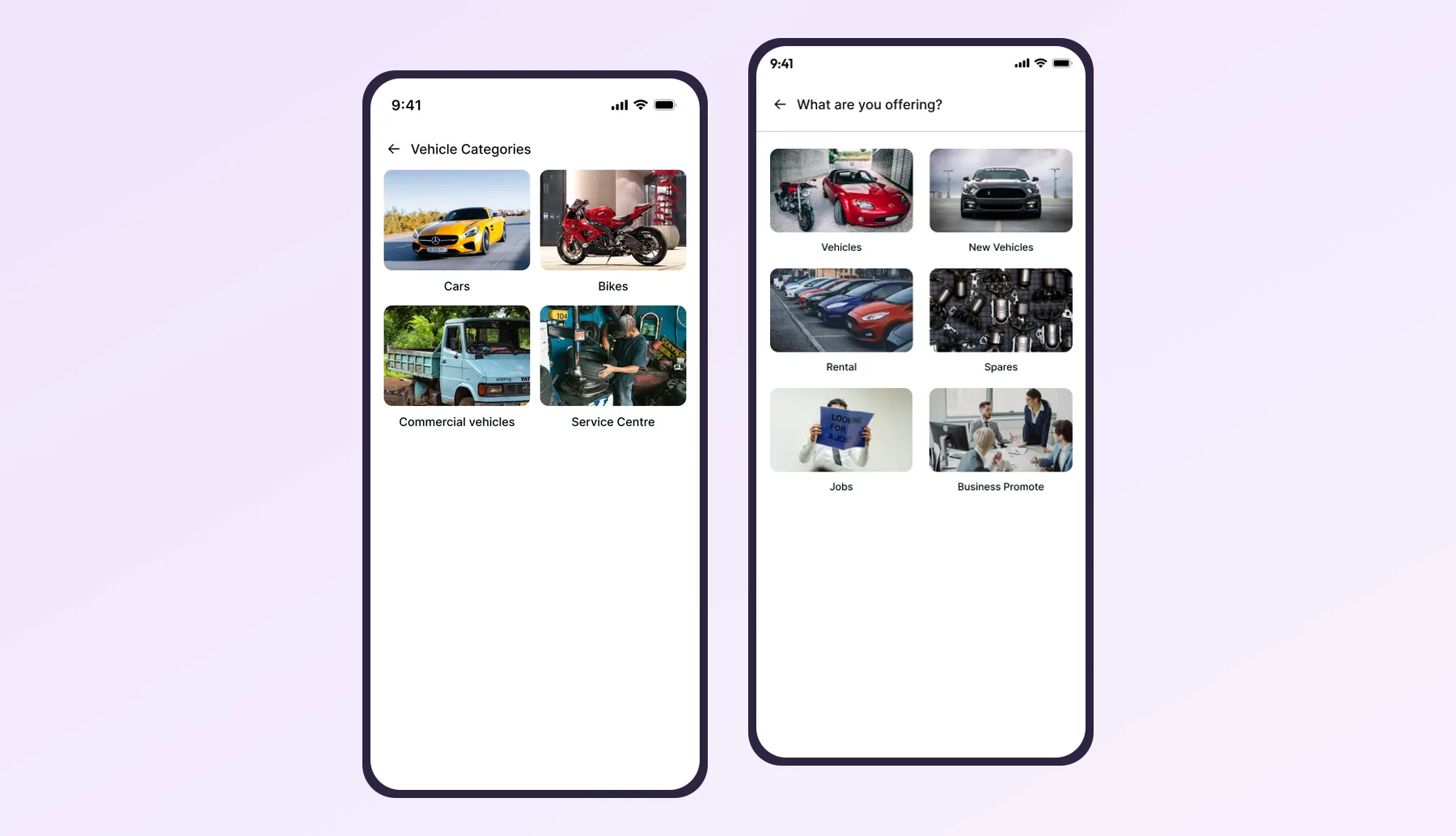
Enquiry intake by category
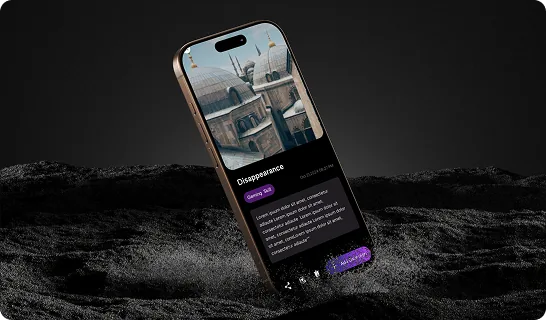
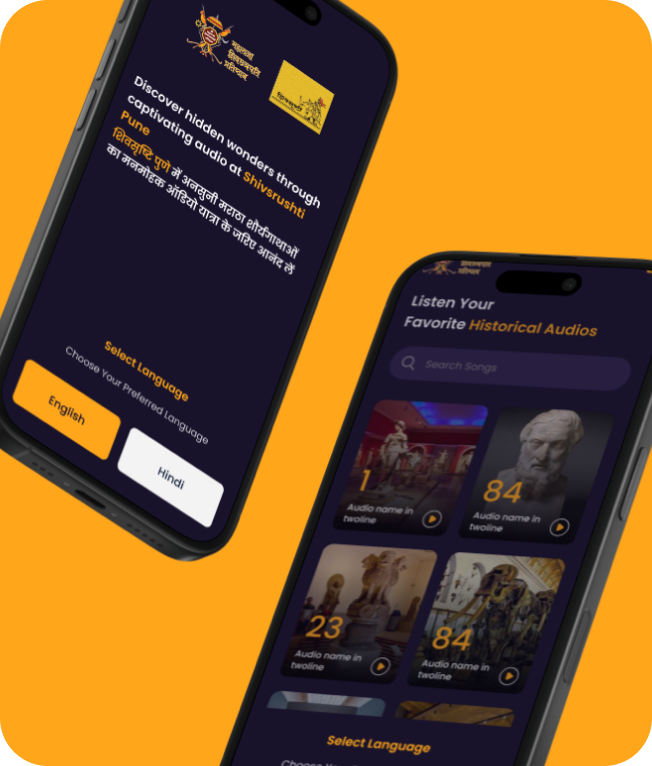
Listings are posted by category and buyers send enquiries against each one. A CRM uses the same intake: every enquiry is tagged with product and source the moment it arrives.
See it in our portfolio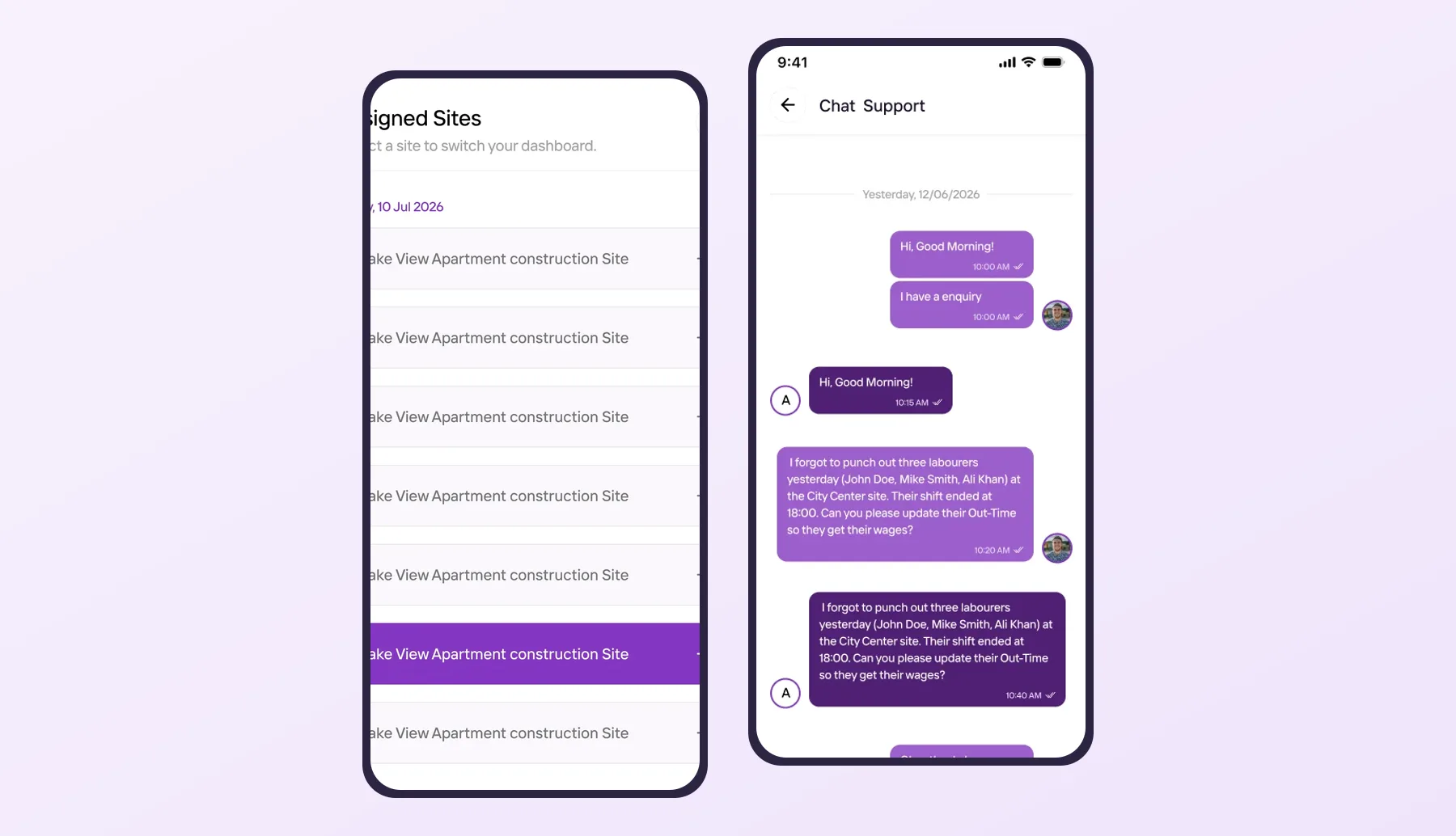
Assignment and team chat
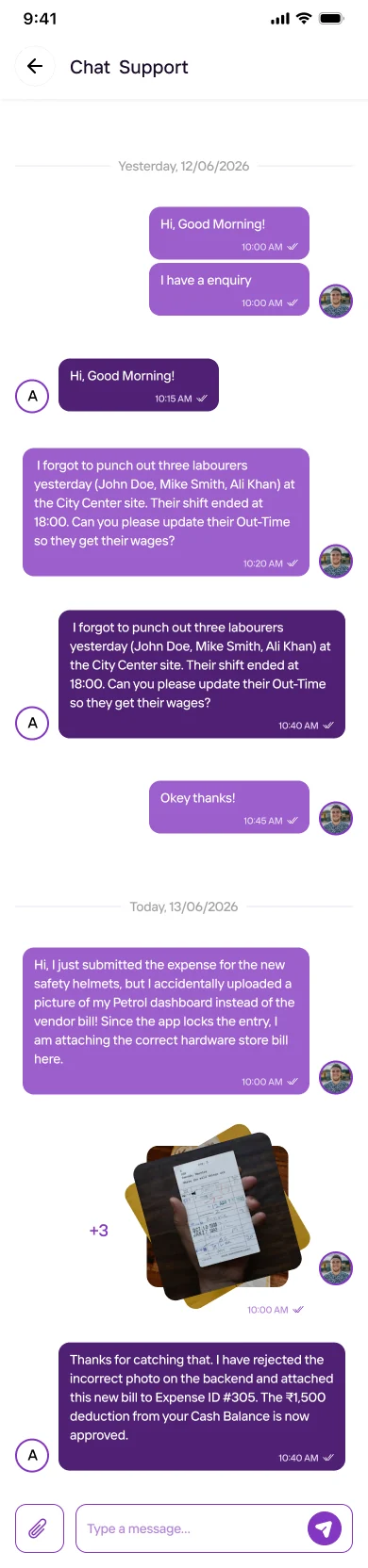
Each engineer sees only the sites assigned to them, with a chat thread per site. Swap sites for leads and the same pattern gives every executive their own pipeline and history.
See it in our portfolio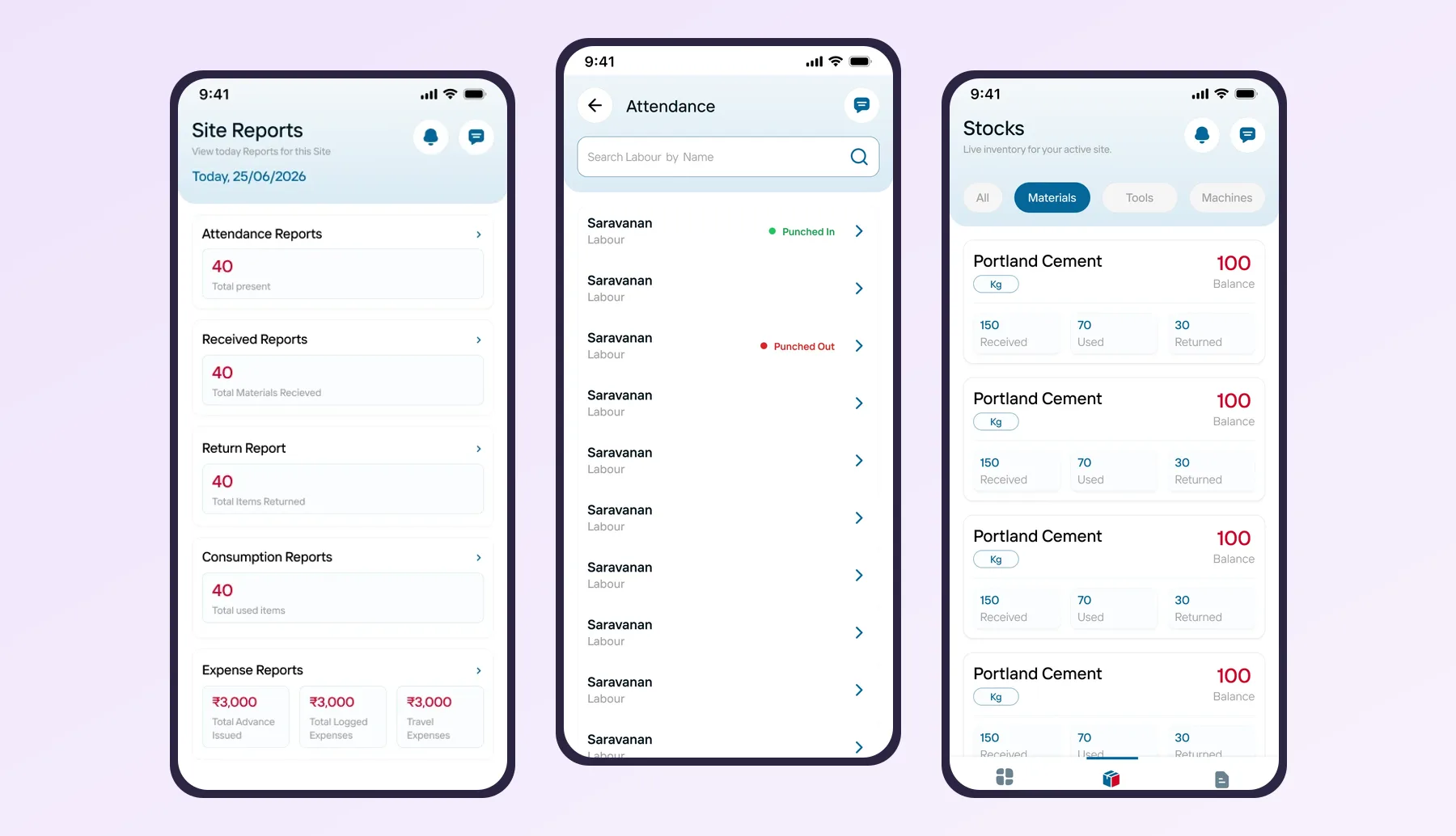
Reports the owner opens
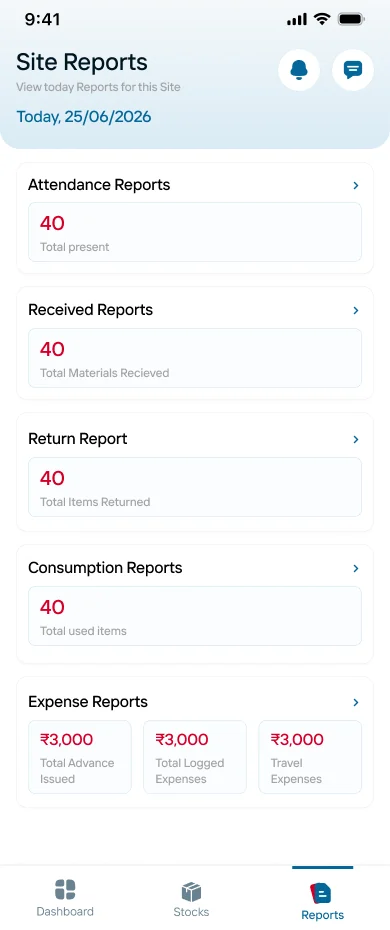
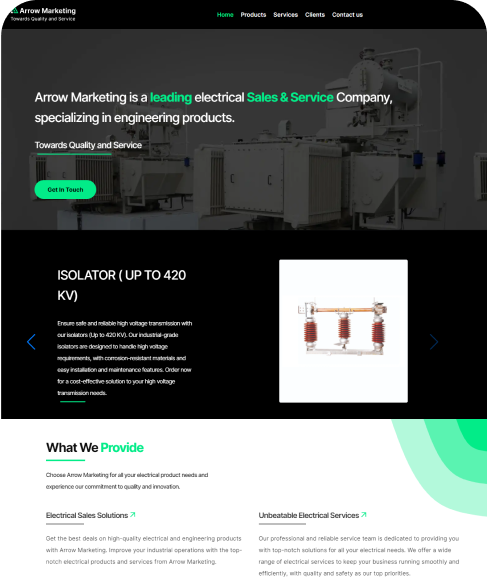
Attendance, stock and consumption roll up into short reports the owner checks in the evening. A CRM digest of new leads, overdue follow-ups and open quotes is built the same way.
See it in our portfolioWho we build CRMs for
Enquiries from dealers and end users, demo visits, quotes with model variants and warranty registration after the sale.
Site visit bookings, plot or flat interest, follow-ups after the visit and a clear record of which channel sent the buyer.
Colleges, schools and coaching centres following up on enquiries through the admission season, with counsellor notes.
Measurement visits, photos, quote revisions and installation handover for teams that sell at the customer's home.
Buyer enquiries, sample dispatch, quote rounds and repeat-order reminders for B2B sales.
Enquiry to appointment follow-ups, with care taken to keep health details out of sales notes.
How we build it
We start with the pipeline you already run, not with a feature list from someone else's product.
We sit with a telecaller, a field executive and the owner, and collect the spreadsheet, the WhatsApp formats and the questions the owner asks every evening.
Stages, fields, roles, lead sources and the reports for version one, plus what waits for later. Scope, schedule and terms are signed off before building starts.
Your team taps through the lead card, the follow-up list and the visit screen on the Android phones they carry, in English or Tamil.
Short build cycles with test versions. We import your existing leads, then pilot with one team before the whole sales floor moves.
Training, store listings or private distribution under your company name, and support as you add sources, products and branches.
Planning guide
Plenty of good CRM products exist, and for a small team with a standard sales process they are often the right first step. If your leads come from one or two channels, your executives sit at desks and your quotes are simple, start with a subscription CRM and learn what you actually use.
Teams in Coimbatore usually come to us after that point. The executives are on two-wheelers, not at desks. Leads arrive on WhatsApp in Tamil voice notes. Quotes need machine models, site measurements or plot numbers that a generic CRM treats as free text. And the owner wants three numbers in the evening, not a dashboard with forty widgets.
A custom CRM app is shaped around your stages, your fields and your people. The field executive's screen shows only what they need between meetings. The telecaller's screen is a fast qualifying script. The owner gets a digest built around the questions they already ask. Because it is your app, it can live under your brand on Google Play and the App Store, or be distributed privately to staff phones.
It also connects to what you already run. Leads can come from your website forms, won deals can create a customer in Tally or Zoho where an API or supported import exists, and messages can go out through the WhatsApp Business Platform. When the workflow is unusual, our custom mobile app development page explains how we scope it.
Customer phone numbers are the most valuable thing a sales team holds. In a custom CRM the database sits in an account you control, executives see only their own leads unless you allow more, and an exported list leaves a trail. When an executive leaves, their leads stay with the company.
WhatsApp automation needs care. Click-to-chat and logged conversations work on any phone. Template messages and automated replies go through the official WhatsApp Business Platform with approved templates and customer opt-in, not through unofficial tools that risk your number being blocked.
The CRMs that last start with one team and two or three lead sources, then add channels, products and branches once the daily habit is real. Our MVP app development approach applies here too, and one React Native codebase keeps Android and iPhone users on the same features.
Itboomi is a dedicated mobile app development company with its office in Tiruppur, serving Coimbatore. For the wider picture start from our Coimbatore homepage or the Android and iOS services page, see our SaaS app development page if you plan to sell the CRM to other businesses, then talk to our team.
FAQ
Yes. Itboomi is a dedicated mobile app development company with its office in Tiruppur, serving Coimbatore. We build mobile CRM apps for Android and iPhone with a web admin panel, shaped around your own sales stages and roles.
Yes. Executives can log WhatsApp conversations against a lead from any phone. For automated capture and template messages we connect to the official WhatsApp Business Platform, which needs an approved business account and customer opt-in.
Yes. Visit notes, photos and call outcomes save on the phone and sync when the network returns, with a clear marker on anything not yet uploaded.
Where the software offers an API or a supported import, won deals can create customers or orders there. We review your current systems during discovery and agree what moves between them in writing.
Not always. A subscription CRM suits small teams with a standard process. A custom CRM makes sense when your stages, quote details, field work or data ownership do not fit a generic product, or when you want the app under your own brand.
You do. The database runs in an account under your company, and the source code, store listings and documentation are handed over to you.
We have not published a dedicated CRM case study. Recent builds such as VW, Kaarya Site and Hyprotek already cover enquiry intake, per-person assignment with chat history and owner reports, which are the core parts of a CRM app.
Tell us where your leads come from today and who follows them up. You get a written first-release plan to approve before any build starts.
Contact us
We Ignite your Business
with our Love
See why businesses pick Itboomi as their app development company in Coimbatore.
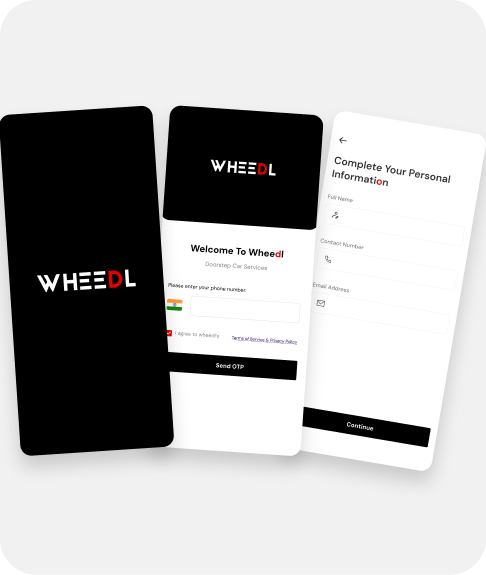

Think. Design. Develop.Launch. Scale.
Subscribe our News letter


itboomi innovations, 8/1162, Sakthi Complex,First Floor, Pooluvapatti Pirivu, P.N Road, Tiruppur,Tamil Nadu 641602