 Attendance and stock
Hyprotek
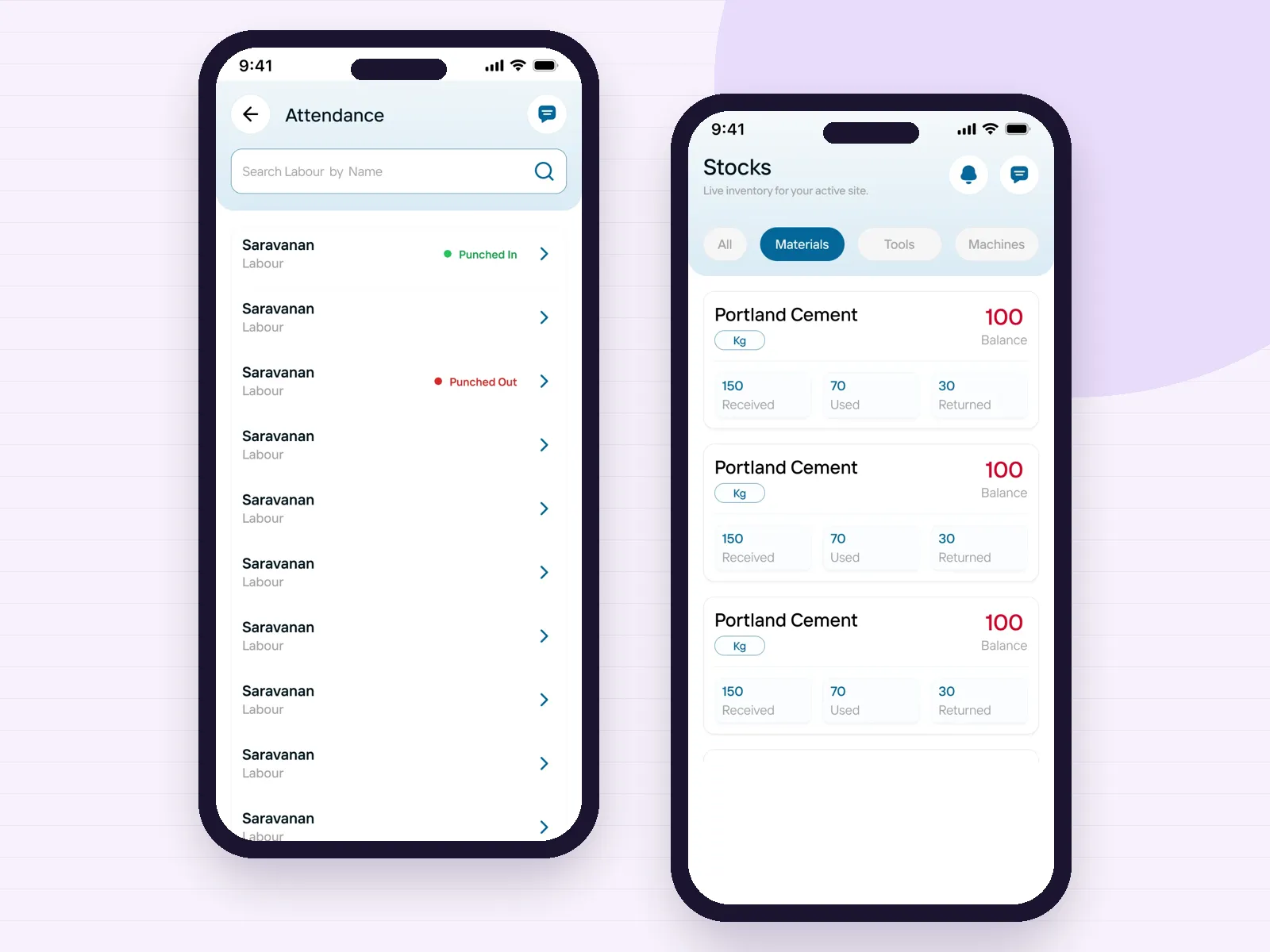
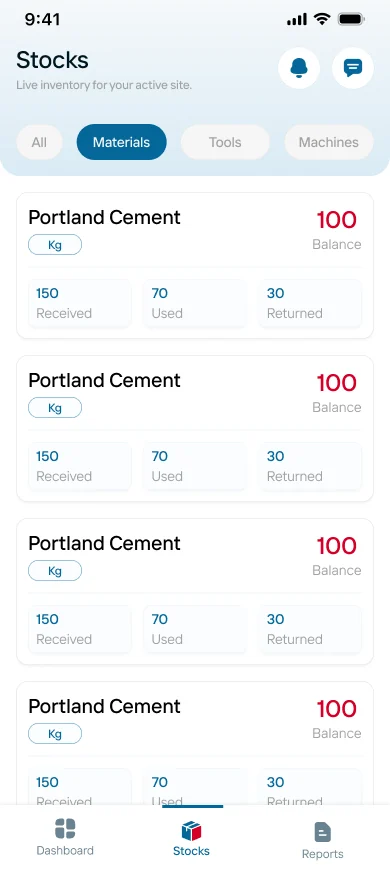
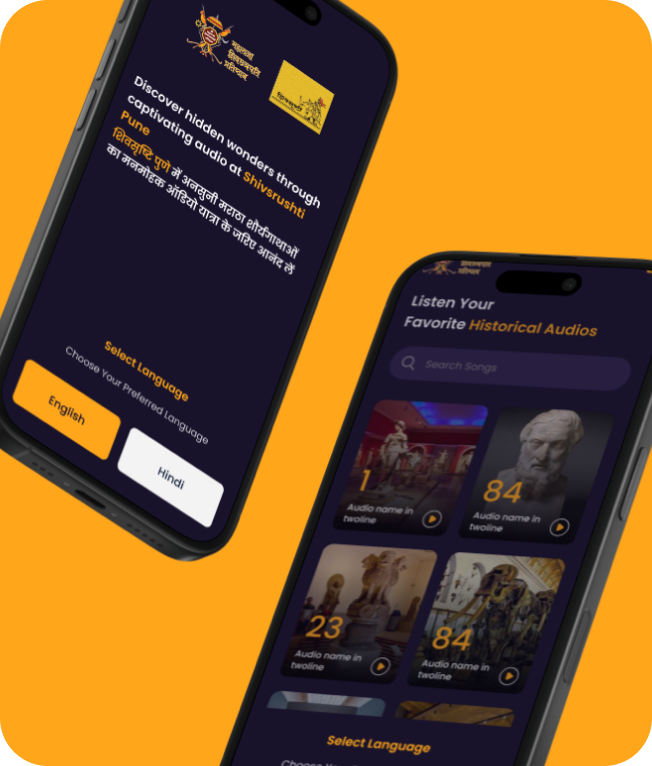
Labour is punched in and out with photos, and every material shows received, used, returned and balance. Stores and people floors in an ERP are built on the same records.
Open the case study
Home
About Us
Services
Ready-to-Launch Apps
Brand it. Launch it. Own it.
Video Dating App
Like Dostt — swipe, video & chat
Service Booking App
Like Urban Company — on-demand services
Cab Booking App
Like Ola, Uber & Rapido — ride-hailing
Vehicle Booking App
Like Porter — goods & logistics
Rice Mundy Order Management
Orders, stock & GST billing for mills
Auditing Management System
Digital checklists, NC tracking & reports
Delivery Management App
Live tracking, routes & digital POD
Industries
InstaLaunch Apps
Portfolio
Contact

services
Made to Scale Our Software development services are built to evolve your business idea into a successful growth story.
Every floor of the factory, on one phone
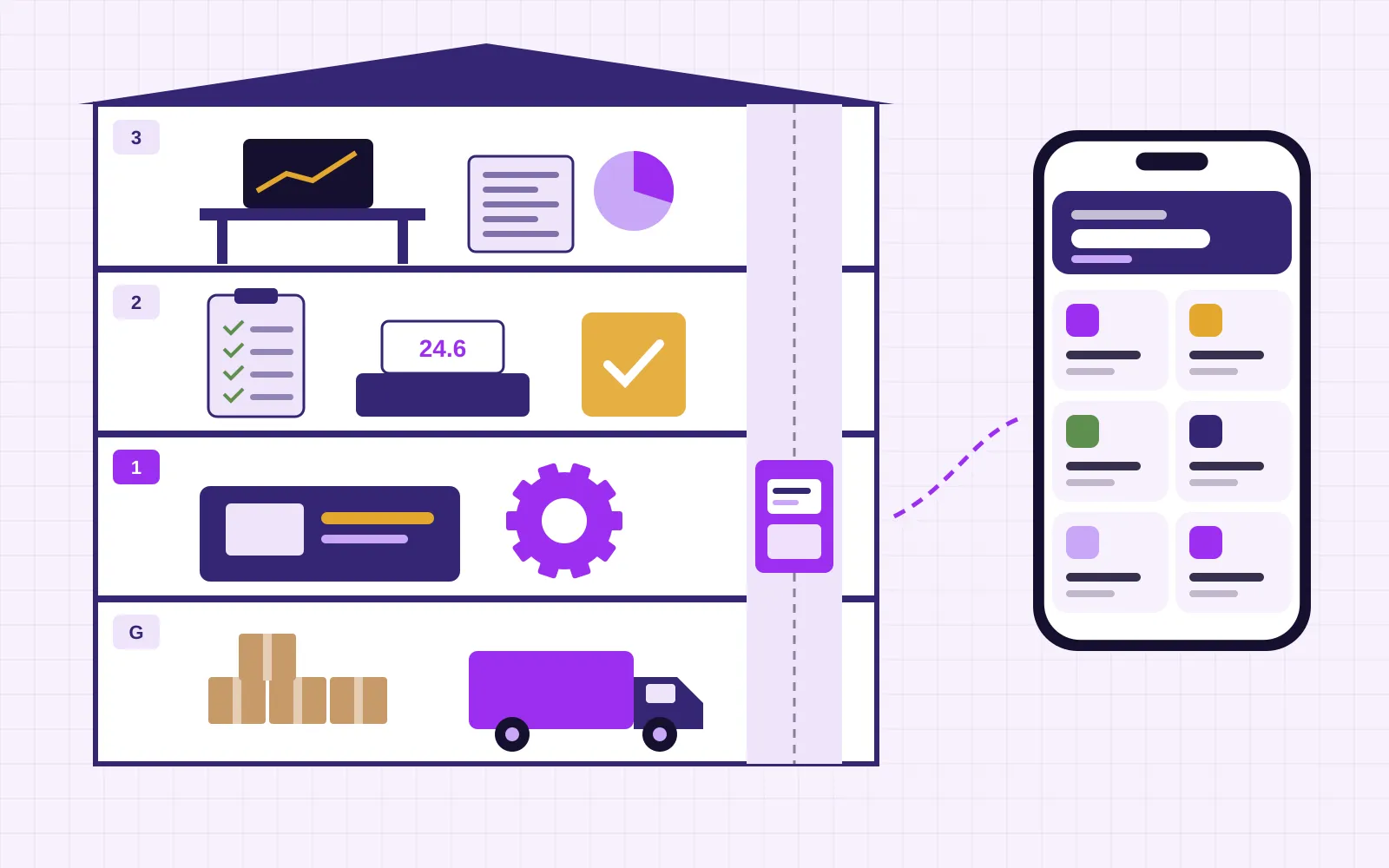
Purchase, stores, production, quality, dispatch and people, built as phone apps for the staff who do the work and a web panel for the office. Designed around your own job cards and registers from our Tiruppur office.
Lobby
When a Coimbatore pump maker, foundry or spinning mill searches for an ERP software company, the request is rarely for a giant suite. It is usually a specific pain: stores cannot say what is in stock, the production in-charge keeps job cards in a notebook, dispatch waits for a phone call from accounts, and the owner learns about a delay from an angry customer. ERP, at its simplest, is one set of records that every department reads and writes.
The catch is that most of that writing happens away from a desk. Stores staff are on the shop floor with a forklift, supervisors are at the machine, the quality inspector is at the incoming gate and the sales engineer is at a dealer in Erode. A desktop screen in the office cannot capture that work as it happens, which is why so many ERP rollouts end with someone typing yesterday's paper slips into the system every evening.
Itboomi is a dedicated mobile app development company, so we approach ERP from the phone outward. Each department gets a focused Android or iPhone app with the few screens it needs, all writing to one database, and the office gets a web panel for masters, approvals and reports. You can start with one department and add the next when the first one is trusted.
Floor plan
We plan an ERP the way you would walk a visitor through the factory: from the gate where material arrives to the roof where the owner looks at the day.
Today's production, dispatch, stock alerts, rejections and dues on one screen, with the detail one tap away.
Shift attendance with photos, overtime, contract labour counts, leave requests and the inputs your payroll needs.
Invoices, receipts and credit notes passed to your accounting software, with outstanding balances visible to sales.
Orders from dealers and field staff, packing lists, vehicle details, delivery confirmation and pending order follow-up.
Incoming, in-process and final inspection checklists with readings, photos and hold or release decisions tied to the lot.
Job cards per order or drawing, operations and machines, operator entries, rejection reasons and work in progress by stage.
Goods received against the purchase order with photos and weighbridge slips, bin locations, issue slips to production and low-stock alerts.
Desk or phone
Both sides read and write the same records, so nothing is typed twice.
Related portfolio work
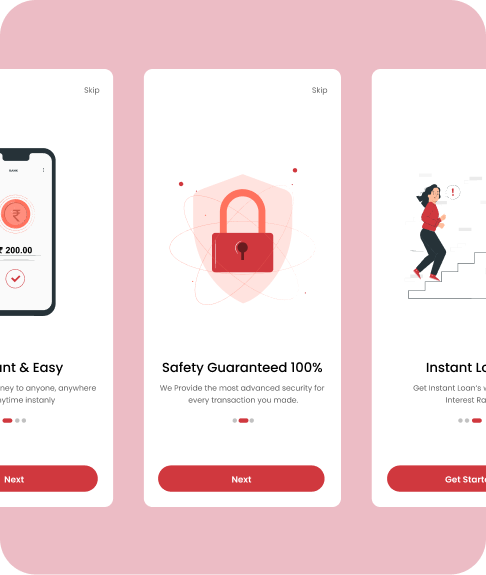
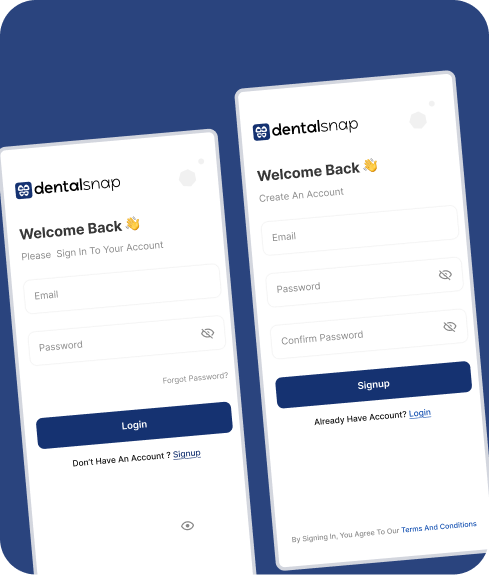
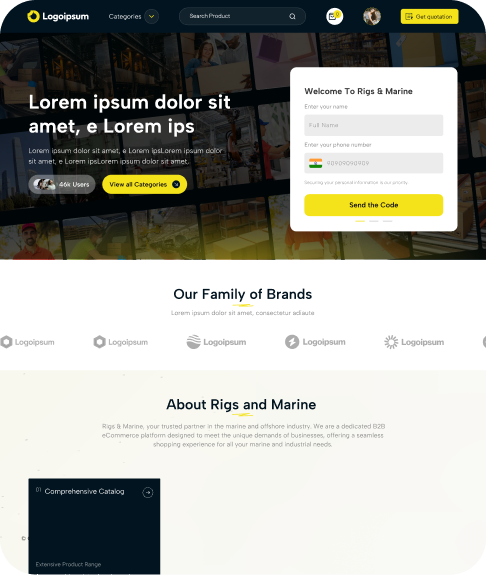
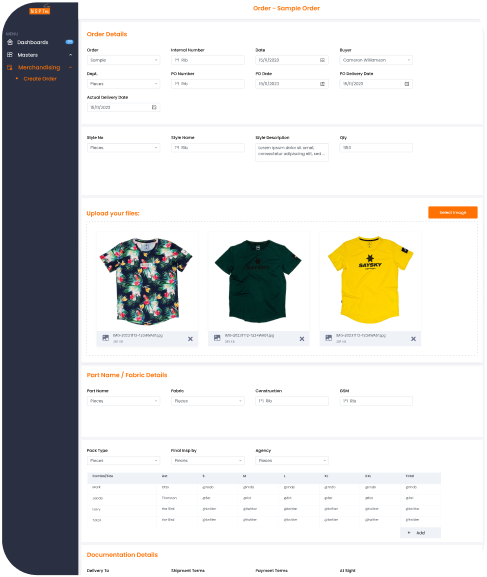
We have not published a full ERP case study yet. These recent products already handle the pieces an ERP is built from: attendance and a running stock balance, one login across several locations with a line to the office, and long structured forms that are reviewed before they go live.
Attendance and stockLabour is punched in and out with photos, and every material shows received, used, returned and balance. Stores and people floors in an ERP are built on the same records.
Open the case study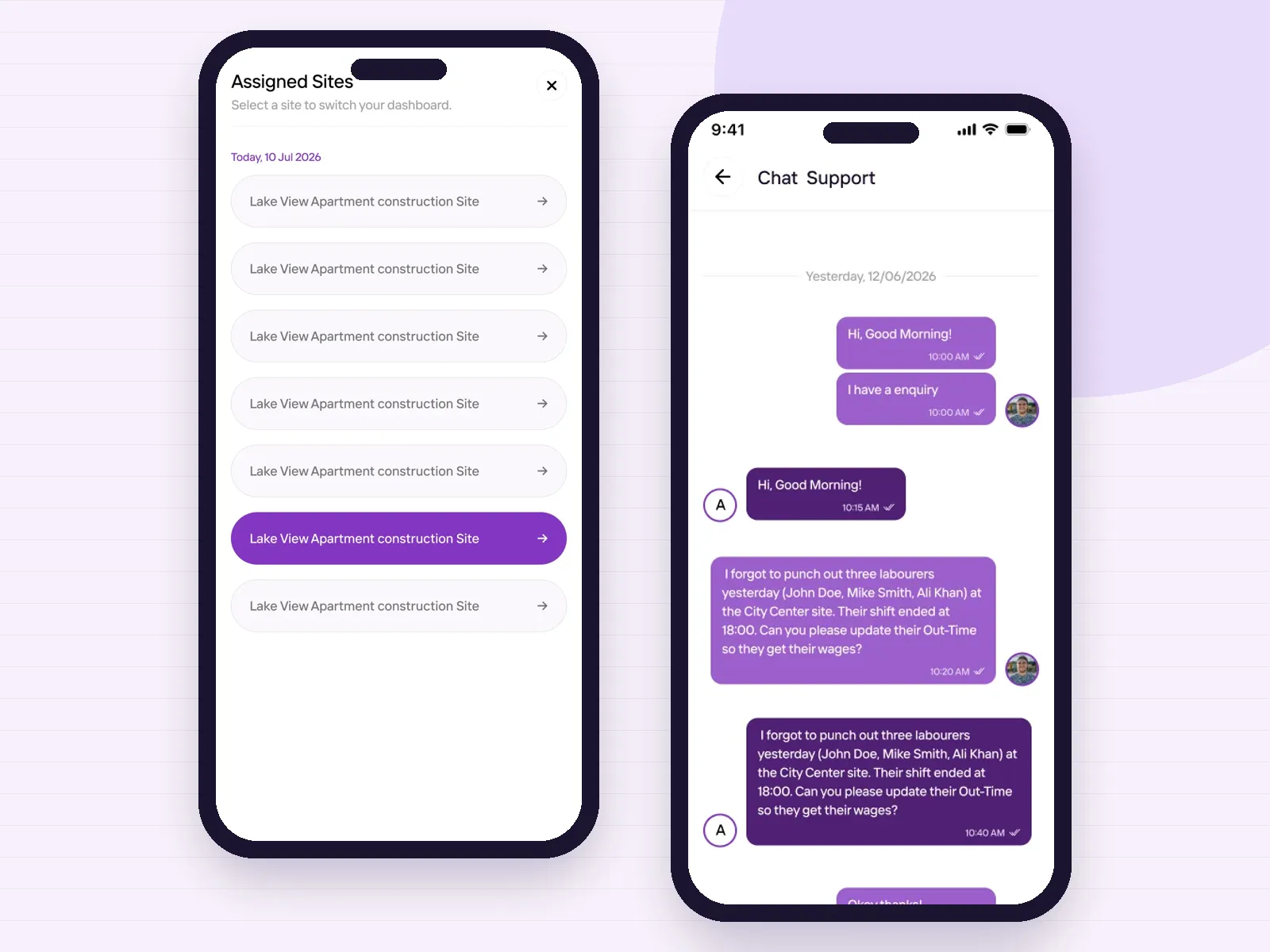 Many locations, one login
Engineers switch between assigned sites, each with its own records, and raise questions with the office in a chat thread. Plants with two units or a separate godown need exactly this.
Open the case study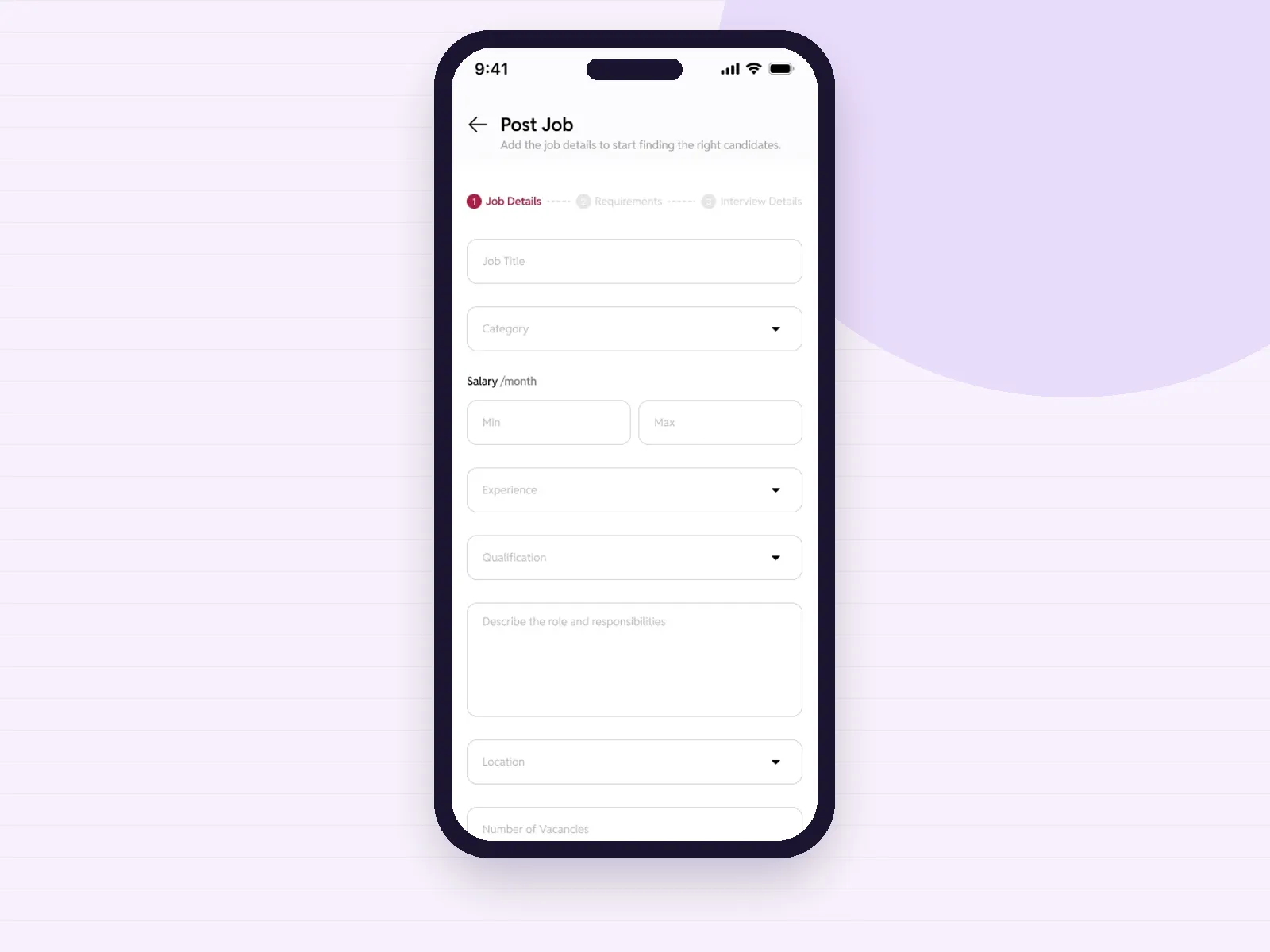 Structured multi-step forms
A three-step posting form with required fields and a review screen before publishing. Purchase requests, inspection reports and job cards follow the same guided pattern.
Open the case studyBuilding directory
01Pumps and motors
Serial numbers from winding to testing, dealer orders and warranty returns traced to the original job card.
02Foundries and machining
Heats, castings, rejections by reason, machining job-work sent out and received back with weights.
03Spinning and knitting mills
Bale and yarn lots, count-wise stock, machine-wise production and shift attendance; our textile app page goes deeper.
04Auto components and tier suppliers
Customer schedules, part-wise inspection records and dispatch notes that match what the plant's stores team checks.
05Wet grinders and appliances
Assembly lines, spare parts stock, dealer network orders and service complaints in one record.
06Distributors and stockists
Godown stock, van loading, route orders and collections, with billing on the phone through our billing app approach.
How we build it
Large ERP projects fail when everything goes live at once. We build one floor, prove it, then take the lift up.
We follow one order from enquiry to dispatch, photograph the registers and note who writes what, where and when. Masters and codes you already use are kept.
Usually stores or production, whichever loses the most time today. The first release, users, reports and what waits are agreed in writing before building starts.
Staff tap through the screens on the phones they will carry, in Tamil or English, and we change what slows them down.
Short build cycles with test versions. Item masters and opening stock are imported, and the app runs beside the old register until the numbers agree.
Quality, dispatch, people and the owner view follow on the same database, with training on the floor and support as you grow.
Connections
Invoices, receipts and stock values exported in a format your accountant imports, or synced where a supported connector exists.
Where your business must issue them, bills go through an authorised GST suvidha provider and the IRN and signed QR are stored.
Bin, lot and carton labels printed from the phone, and camera scanning for receipts and issues.
Weights read from the slip photo or entered against the vehicle, depending on what your scale supports.
If you run a packaged ERP, we can build phone apps that read and write through its API instead of replacing it.
Dispatch details, pending order lists and approval requests shared on WhatsApp from the app.
Planning guide
Packaged ERP products are mature, and a factory with standard processes and staff who work at desks should look at them first. If your accountant, purchase team and planner do most of their work in the office, and your items and routings are conventional, a licensed ERP with a local implementation partner is often the sensible path.
The trouble starts on the floor. Packaged screens are built for completeness, which means dozens of fields on small phones, English-only labels and no offline entry. Many Coimbatore firms end up with an ERP that only two people use while the shop floor carries on with paper.
A custom ERP fits when your process is your advantage: a job-shop that machines to drawings, a mill with its own lot logic, a manufacturer whose dealers order on the road. It is built around your forms, your codes and your approval rules, so nobody has to learn a foreign vocabulary to record what they did.
Because each department gets its own focused app, a store keeper sees only receipts, issues and bins, and an inspector sees only the checklist for the part in front of them. Our custom mobile app development page explains how we scope workflows that do not fit a template.
Many firms already pay for an ERP or accounting system and do not want to replace it. In that case we build the floor apps only. Goods received, job card entries, inspections and dispatch confirmations are captured on the phone and pushed into your existing system through its interface, and the office keeps working the way it does today.
This is often the fastest way to stop the evening data entry, and it lets you test whether staff will actually use phones before you commit to anything larger.
ERP data outlives any one vendor. We set up the database and cloud account under your company, hand over the source code and documentation, and keep masters and transactions exportable. Access is role based, every change is logged with the user and time, and backups run on a schedule you can check.
Itboomi is a dedicated mobile app development company with its office in Tiruppur, serving Coimbatore. For the wider picture start from our Coimbatore homepage or the Android and iOS services page. If your priority is the sales pipeline before the factory, see our CRM app development page, and building contractors can look at our construction app development page. When you are ready, talk to our team.
Questions
Yes. Itboomi is a dedicated mobile app development company with its office in Tiruppur, serving Coimbatore. We build mobile-first ERP: Android and iPhone apps for each department and a web panel for the office, on one database.
The records are the same: items, orders, stock, job cards, inspections and dispatch. The difference is where they are entered. A mobile ERP lets staff record work where it happens, with photos and offline entry, instead of typing paper slips into a desktop later.
Often, yes. If your ERP or accounting system offers an API or import format, we build floor apps that send goods received, job card, inspection and dispatch entries into it. We confirm what your system allows during discovery.
No, and we advise against it. We start with the department that loses the most time, run it beside the old register until the numbers agree, and then add the next one on the same database.
Yes. Floor screens can be in Tamil with large buttons, and entries are saved on the phone and synced when the network returns, with a clear marker on anything not yet uploaded.
Invoices, receipts and stock values can be exported in a format your accountant imports into Tally, or synced where a supported connector exists. What moves between the systems is agreed in writing before building starts.
You do. The database and cloud account are set up under your company, and the source code, documentation and store listings are handed over to you.
We have not published a full ERP case study yet. Recent builds such as Hyprotek, Kaarya Site and Kanchipuram Jobs cover attendance, running stock balances, multi-location logins and structured forms with review, which are the building blocks of an ERP.
Tell us where records go missing today: the gate, the machine, the inspection table or the loading bay. We will plan that floor first and show you screens before anything is built.
Contact us
We Ignite your Business
with our Love
Planning an Android or iOS app? Itboomi is a mobile app development company in Coimbatore and Tiruppur.

Think. Design. Develop.Launch. Scale.
Subscribe our News letter


itboomi innovations, 8/1162, Sakthi Complex,First Floor, Pooluvapatti Pirivu, P.N Road, Tiruppur,Tamil Nadu 641602